Order prints online - here's how to do it step by step
You can upload multiple files at the same time as long as they all have the same size/format.
If you want to order other sizes/formats: add the product in question to the shopping basket, then select «Continue shopping», reselect the product/paper and order another size as a new product.
Upload / link to files
Upload the files directly in upload fieldor paste a link (Dropbox, WeTransfer, etc.) directly below.
If you share multiple files with a link: share the link to the folder where all the files are located. Check that the link works.
Check that the upload is complete. Important that it says UPLOADED FILES: after successful upload. See below.
Customise image size, white border, cropping and number of copies
Enter image size First the short side, then the long side.
Select white border (optional) Enter the width of the border in cm/mm (per page). We can either make the sheet larger or make the motif slightly smaller to keep the desired image size.
Select cropping (cropping)
Yes: we adapt the design to the size you have entered (applies to all files).
No, you don't: we do not crop, the motif retains its original format then the sheet itself can have a different format than e.g. A3/A4.
Select the number of copies The field Number of copies apply all uploaded files together:
3 files + Number of copies: 3 → 3 prints in total (1 of each file)
3 files + Number of copies: 9 → 9 prints in total (3 of each file)
If you would like a different number per motif, write this in the comments field below (e.g. «Motif 1: 2 pieces, Motif 2: 1 piece, Motif 3: 6 pieces»).
Confirm and add to basket Would you like to order more types of prints or paper? Select «Continue shopping» in the shopping basket and add more products.
Checkout is done at the very end.
Note about colours: The colours on the print may differ slightly from what you see on the screen (different monitors, brightness and settings). If you are unsure or have very colour-critical motifs, we recommend that you first order test prints by email.
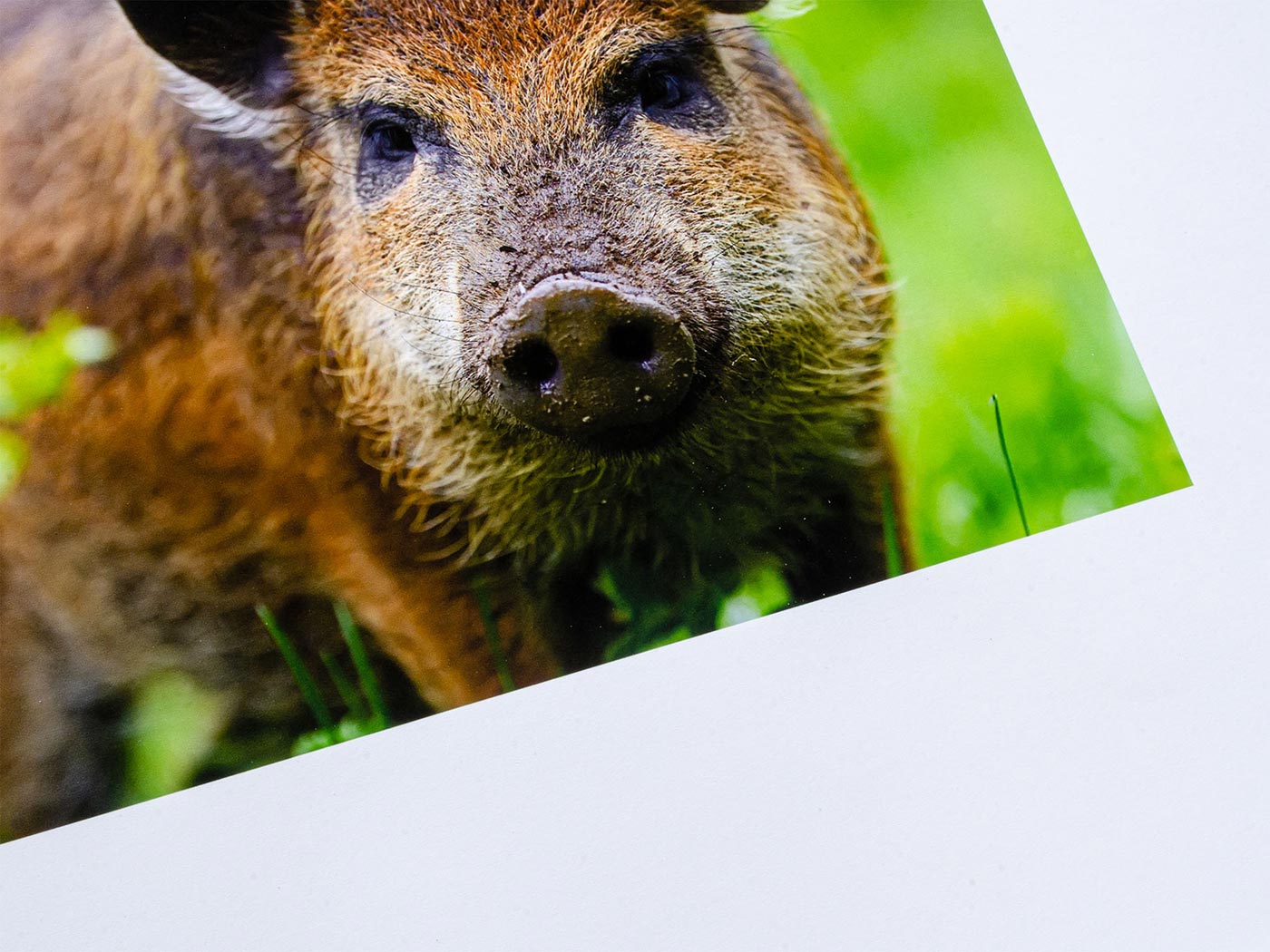
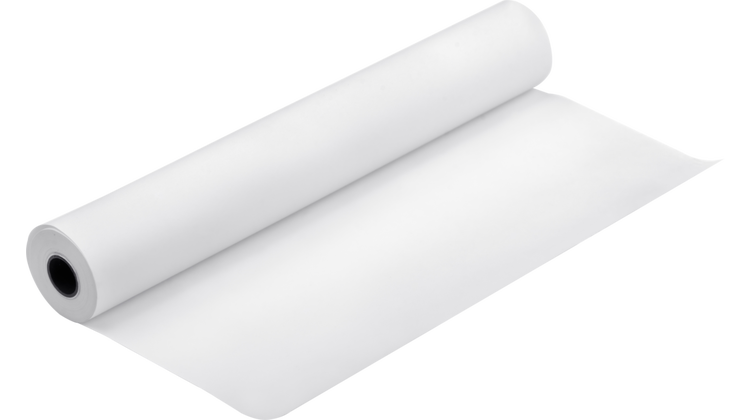
A matt, coated multipurpose paper that delivers smooth, crisp poster prints with good detail reproduction and solid colours and is suitable for a wide range of large format applications.
Matt, coated universal paper
Compatible with colour, pigment, solvent and water-based inks
Ideal for posters and promotional material
Good printability: sharp text, fine details and smooth surface
Good colour reproduction and high visual quality
Order prints online - here's how
You can upload multiple files at the same time as long as they all have the same size/format. For other sizes/formats: add to basket, select «Continue shopping» and order the next size as a new product.
Upload / link to files
Upload the files directly, or paste a link (Dropbox, WeTransfer, etc.) just below the upload field.
For multiple files with a link: share the link to the folder the files are in.
Check that the upload is complete / the link works. You should see an image icon after a successful upload.
Step by step
Enter image size First the short side, then the long side.
Select white border (optional) Enter the width of the border in cm/mm (per page). We can either make the sheet larger or make the motif slightly smaller to keep the desired image size.
Select cropping (cropping)
Yes: we adapt the design to the size you have entered (applies to all files).
No, you don't: we do not crop, the motif retains its original format then the sheet itself can have a different format than e.g. A3/A4.
Select the number of copies The field Number of copies apply all uploaded files together:
3 files + Number of copies: 3 → 3 prints in total (1 of each file)
3 files + Number of copies: 9 → 9 prints in total (3 of each file)
If you would like a different number per motif, write this in the comments field below (e.g. «Motif 1: 2 pieces, Motif 2: 1 piece, Motif 3: 6 pieces»).
Confirm and add to basket Would you like to order more types of prints or paper? Select «Continue shopping» in the shopping basket and add more products.
Use this link if you are experiencing problems uploading files to the product page.
Press the button and select file. The maximum size per upload is 2 GB (2048 MB). You will receive a message when the file upload is successful.


 English (UK)